Newsletter Subscribe
Enter your email address below and subscribe to our newsletter

Enter your email address below and subscribe to our newsletter
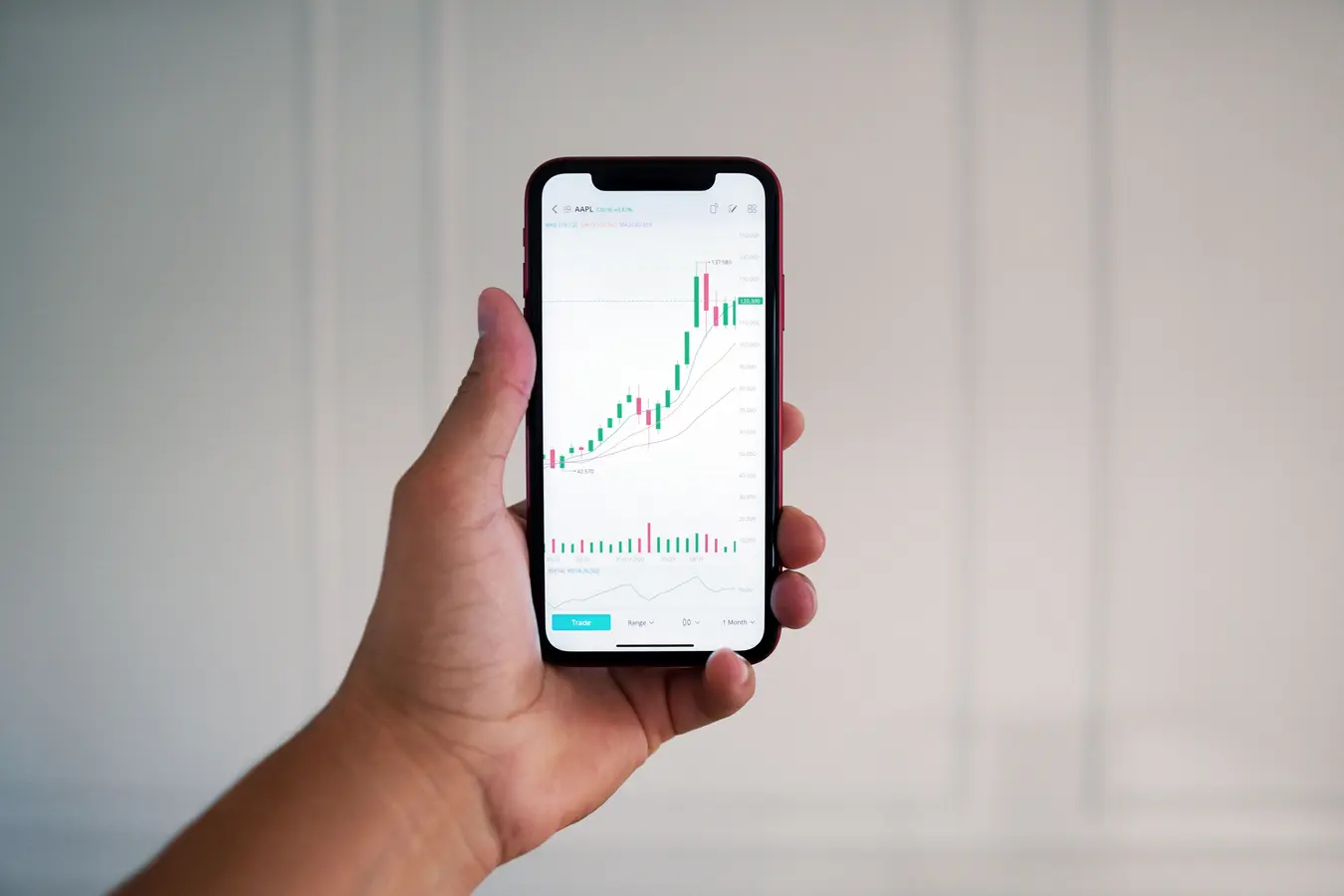
Most forex apps look good in screenshots. The trouble starts after you sign up. Spreads are not what you expected, charts lag when the market moves, or simple tasks like editing a stop loss take too many taps. In some cases, the app itself is fine but the broker behind it is where the real risk sits.
That is why comparing forex trading apps takes more than scanning app store ratings or chasing the lowest advertised spread. The useful differences are usually practical: how quickly orders go through, whether alerts arrive on time, how easy withdrawals are, and whether the broker is actually regulated where you live.
This guide focuses on what matters before you commit. If you are looking at apps forex trading options for 2026, the goal is not to find the app with the loudest marketing. It is to find one that matches how you trade, what tools you actually use, and how much friction you are willing to tolerate on mobile.
A lot of traders make the same mistake: they compare apps by appearance first and trading conditions second. Clean design matters, but it tells you almost nothing about execution quality, pricing, or reliability when the market gets busy.
Forex apps often feel interchangeable because they all promise tight spreads, fast execution, and advanced tools. In practice, they differ in ways that show up only after a few sessions. One app may have stable charting but awkward order management. Another may offer decent spreads on major pairs but weak support, slow verification, or frustrating withdrawal rules.
Marketing also hides where the real product sits. The app is usually just the front end. What matters underneath is the broker, its pricing model, the legal entity serving your region, and the quality of its trade handling.
If you want to avoid a poor choice, compare these first:
Those details decide whether an app is usable for real trading or just pleasant to browse.
It is easy to get pulled toward feature lists, especially when an app advertises dozens of indicators or one-tap trading. But if the broker behind the app is weakly regulated, hard to verify, or operating through an offshore entity with unclear protections, the rest barely matters.
When reviewing regulated forex trading apps, check the broker name, license number, and legal entity actually offering the account in your region. Do not assume the brand name shown in the app store tells the full story. Some brokers operate multiple entities under the same brand, and the level of client protection can vary a lot.
Official regulator databases are still the cleanest way to verify claims. If a broker says it is regulated, you should be able to confirm that directly. Also check whether client funds are segregated, whether negative balance protection applies, and how complaints are handled.
There is a practical reason to do this early. Regulation does not guarantee a perfect experience, but it reduces the chance of running into murky pricing, account restrictions, or withdrawal problems with no real recourse.
Red flags are usually simple:
Before comparing chart tools or spreads, make sure the app belongs to a broker you would trust with your money.
One of the easiest ways to misjudge a forex app is to focus on headline spreads alone. A low number on the landing page does not tell you what you will pay across normal sessions, different pairs, overnight holds, and withdrawals.
Forex app fees and spreads usually come from a mix of charges: the spread itself, per-trade commission on some account types, swap or financing costs for positions held overnight, conversion charges, and non-trading fees such as withdrawals or inactivity.
That is why zero-commission claims need context. Some apps simply build the cost into wider spreads. For short-term traders, that can be more expensive than paying a transparent commission on a tighter spread account. For occasional traders, the difference may matter less than easy funding and no surprise fees.
Look for average spreads rather than minimum spreads. Minimums are marketing numbers. Average spreads tell you more about normal conditions. Also review whether pricing changes sharply during volatile hours, news events, or rollover periods.
A quick pricing check should cover:
Cheap and usable is better than cheap on paper. If the app saves a fraction on spreads but creates friction everywhere else, the pricing advantage fades quickly.
Some mobile forex app features sound impressive and add very little once you are actually in trades. Others look basic and end up being the reason you stick with the app.
The essentials are usually execution and control. Can you open, modify, and close a trade quickly without hunting through menus? Can you place stop loss and take profit levels cleanly? If price moves fast, can you adjust an order without lag or confusion?
Charting matters too, but mostly in terms of responsiveness and readability. Many apps offer plenty of indicators, yet the chart becomes cramped or sluggish on a phone. If you rely on technical analysis, test whether your preferred timeframes, drawing tools, and indicators are usable on your device rather than just available in theory.
Price alerts and watchlists are underrated. For traders who are away from a desk, timely alerts often matter more than advanced desktop-style analysis. A good mobile app should let you track pairs cleanly, set custom notifications, and jump from an alert to the order screen without delay.
Useful features to test in a demo account include:
Do not overrate feature count. A simpler app that handles the basics well is often better than one packed with tools that feel awkward on mobile.
The best app for one trader can be the wrong app for another. A beginner opening a few small positions does not need the same setup as someone trading around economic releases or managing multiple pairs intraday.
If you are new, forex apps for beginners should feel straightforward before they feel powerful. You want simple navigation, a decent demo mode, visible risk controls, and an interface that makes stop losses easy to set. If placing a trade feels confusing in practice mode, live trading will not improve that.
Frequent traders usually care more about execution quality, fast order modification, and stable performance during active sessions. They may also need tighter pricing and order types beyond the basics. In that case, a slightly steeper learning curve can be acceptable if the app performs well under pressure.
For traders who mainly monitor positions on mobile and do deeper analysis elsewhere, the priorities shift. Good alerts, clean account overview, and quick position management may matter more than rich charting.
Ask yourself a few blunt questions:
Choosing an app based on your actual habits usually leads to a better result than choosing the most advanced-looking platform.
Demo accounts are useful, but many traders waste them. They open a demo, place a few random trades, admire the interface, then move on without testing the parts that matter.
A better approach is to use the demo like a checklist. Try opening and closing trades during active hours. Set alerts and see whether they arrive reliably. Edit stops, switch between chart timeframes, and check whether order information stays clear when markets move quickly.
This is also where app store reviews become useful. Individual reviews can be noisy, but patterns matter. If many users mention freezing charts, login issues, delayed withdrawals, or poor customer support, pay attention. The same goes for repeated complaints about slippage or broken notifications after updates.
During your test, check these practical points:
A demo cannot fully replicate live execution, spreads, or withdrawal experience. Still, it can quickly reveal whether the app is coherent, stable, and built for real use rather than just acquisition.
Once you cut through the marketing, most final decisions come down to trade-offs. There is rarely a perfect forex app. There is the one that gives you the least friction for the way you trade.
A practical shortlist should compare only a few things side by side. Start with regulation and account eligibility in your region. Then compare average spread costs on the pairs you trade most, not a generic pricing page. After that, review mobile usability: chart quality, order entry, alerts, and watchlist management.
Funding and withdrawals deserve a place on the shortlist too. A polished trading screen loses value fast if deposits are limited, verification drags on, or cashing out is slower than expected. This gets overlooked all the time.
If two apps still look close, use these tie-breakers:
That last point matters more than people think. A responsive support channel before signup often tells you a lot about what happens after signup.
In 2026, the forex trading apps worth your time are not necessarily the flashiest ones. They are the ones that make routine tasks easy, keep costs understandable, and reduce unpleasant surprises when real money is involved. Popular software comparisons in other categories follow a similar logic.
A good app combines reliable execution, fair pricing, solid charting, and clear regulation behind the broker offering it.
They can be, if the broker is regulated, fees are transparent, and the app includes a demo account and basic risk controls.
No. Low spreads help, but execution quality, withdrawals, platform stability, and support matter just as much.
Some come close, but many simplify charting and analysis. Test the mobile version before relying on it for full trade decisions.
It adds oversight, makes the broker easier to verify, and lowers the chance of dealing with unclear terms or unreliable account handling.
Fast execution, stable charts, alerts, easy order editing, and clear position management usually matter more than a long feature list.